Never miss a deadlineAlways know what’s next
Organize your semester in seconds with Qumely, your AI student planner.
Start using Qumely for free.
Continue on the webDesigned around real syllabi from leading universities.
Your Semester, Automatically Planned
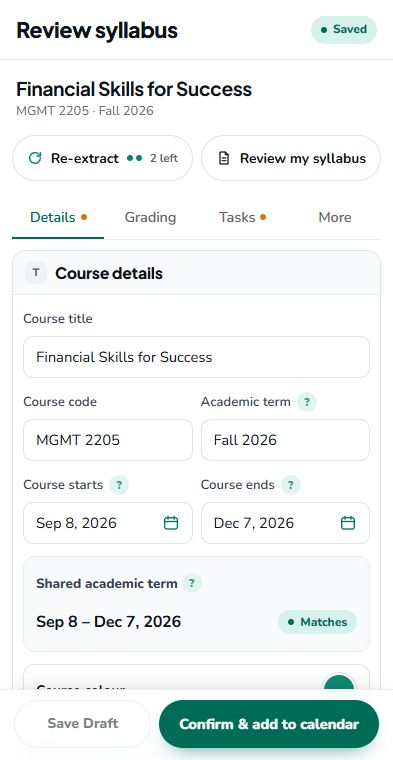
Upload your syllabus, review the details and organize your semester in one student planner app.
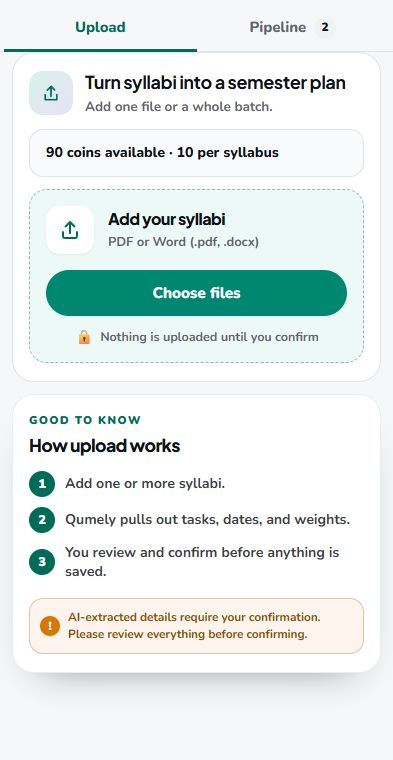
Drop in a PDF or Word file.
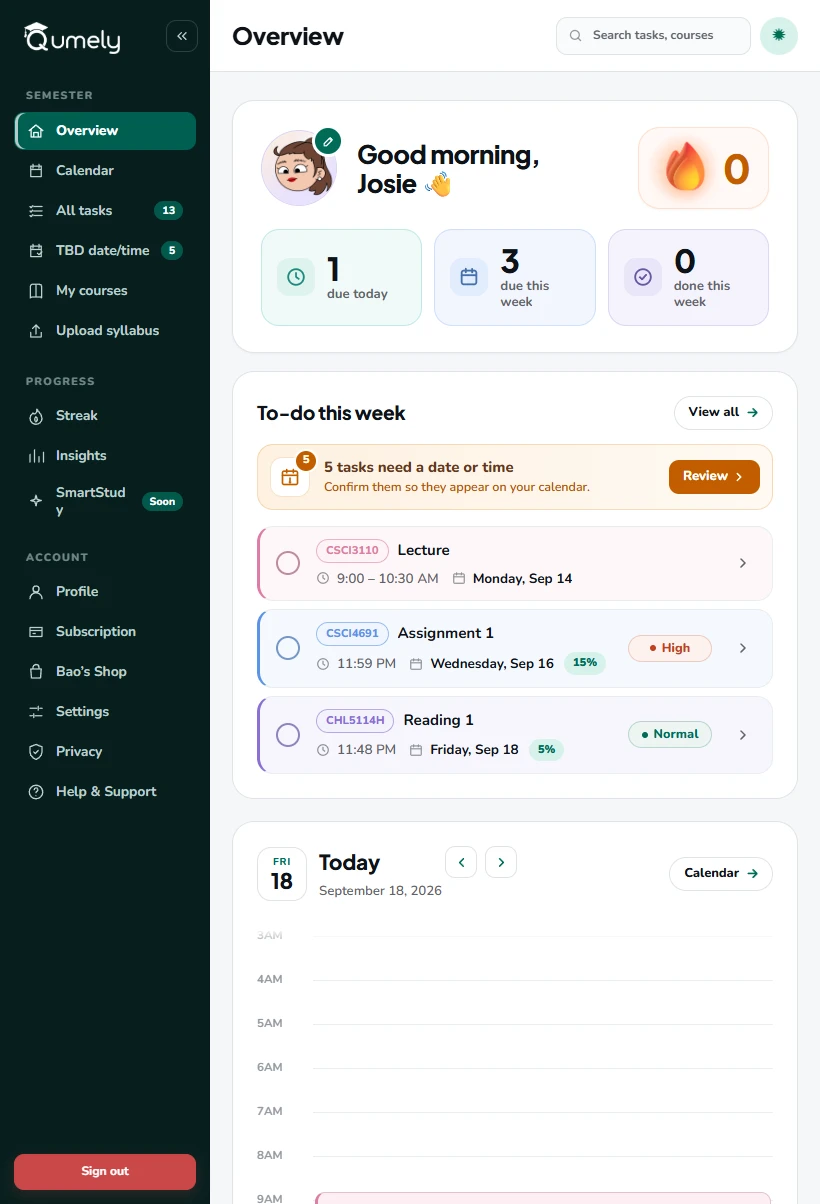
Your semester in one study planner app

Overview
See what needs your attention right now.
Explore Overview →
Calendar
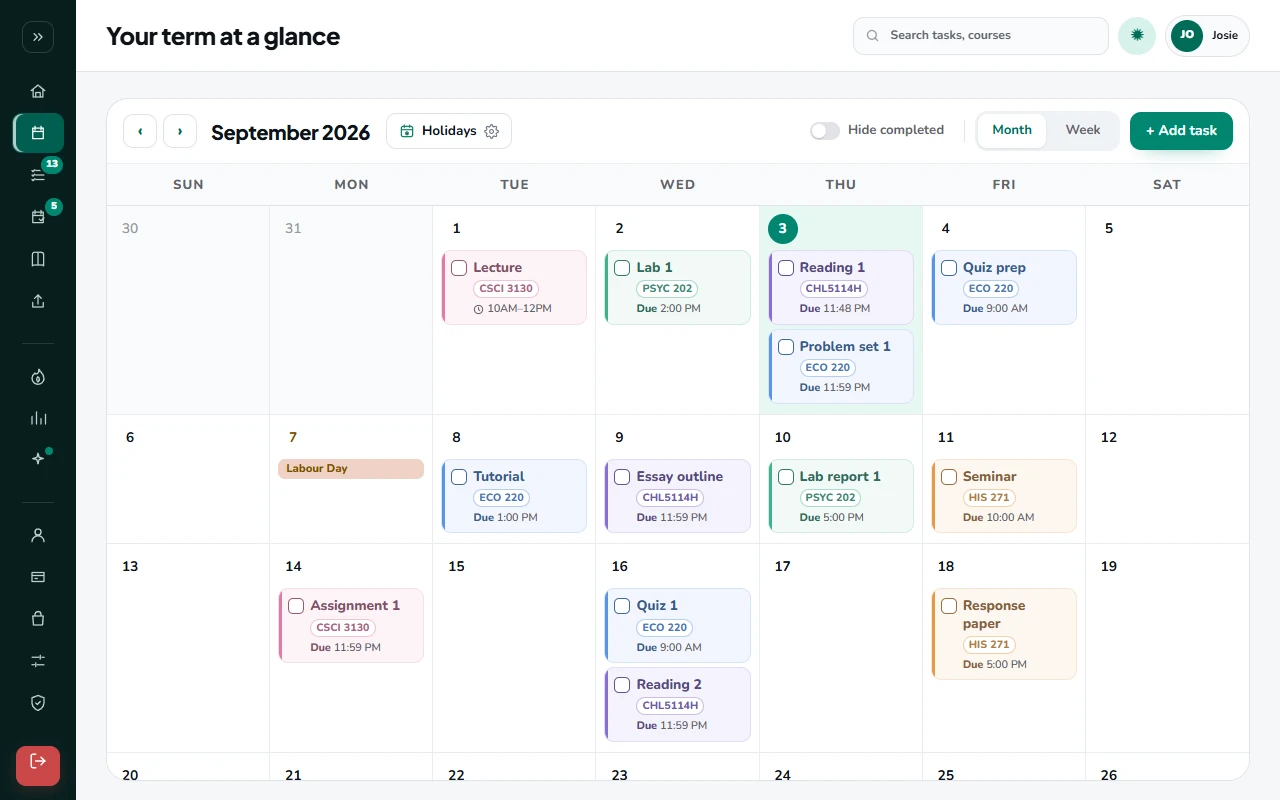
See your semester laid out in one place.
Explore Calendar →
This week
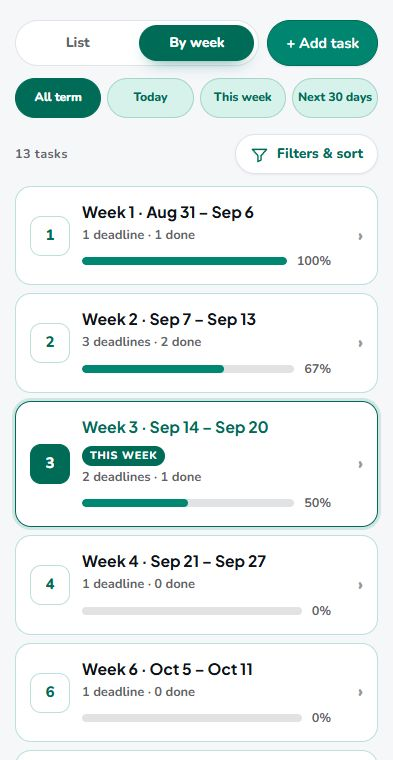
See what needs your attention this week, in the order it matters.
Explore This week →
Streak
15 seconds a day keeps every deadline in sight.
Explore Streak →
Courses
Keep each class, deadlines, and course details together.
Explore Courses →
Insights
Spot workload and study patterns at a glance.
Explore Insights →← Swipe left for more
Access Qumely anywhere, anytime
Use Qumely as your online student planner on a laptop, desktop or tablet. Phone apps for iOS and Android are coming soon.
 Coming soon
What students are saying
Early feedback from students trying Qumely.
Plan Less, Stress Less
Spend less time planning, more time getting things done.
 Automatic
Questions students usually ask
What can I upload?
PDF and Word files. If Qumely can't read something, you can add it manually in seconds.
What if Qumely gets a date or weight wrong?
You review everything before it is saved. Edit any date, weight, or task in a couple of clicks, then confirm. Each course syllabus also comes with 2 free re-extracts if you want Qumely to read it again.
Is my syllabus data private?
Your files are only used to build your calendar. We don't sell or share your course data.
Can I add tasks that are not in my syllabus?
Yes. Add any task, exam, or reminder yourself and it shows up on your calendar alongside everything Qumely found.
Is Qumely free?
The one-time trial includes 6 syllabus uploads in total. Your 30 days start when you create your first course, including by confirming a Review. Each upload counts when its usable Review is ready, before you confirm it. After that, the Basic plan costs less than a cup of coffee.